Buttons Appearance
Button Text
Every button in FastBTN has a Button Text property than can be changed to suit your needs. You can also use emojis.
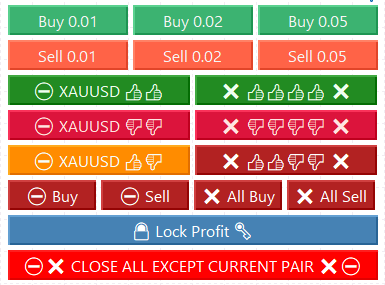
Notes on emojis:
- For more compatibility, we recommend using Segoe UI Emoji as the font family. It is pre-installed with Windows.
- Emojis will be shown in monochrome (black and white).
Tip
To show the current pair in the button text, use four dollar signs ($$$$). For example, if on XAU/USD you enter Close $$$$ Profit, it will display as Close XAUUSD Profit.
This is useful when you save FastBTN settings and load them on another pair—it will automatically show that pair’s symbol, so you don’t have to enter the symbol manually for each pair.
Button Color
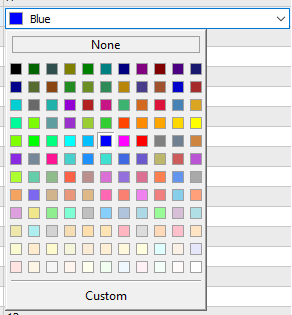
You can also change every button’s color to make it easier for you to identify what each button does.
Button Text Color, Font Family, Font Size
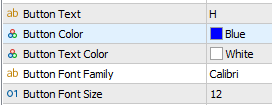 Please note that these will not have any effect if in Genenal Settings → Uniformity in All Buttons, you set:
- Use same text color for all buttons =
true - Use same font for all buttons =
true - Use same font size for all buttons =
true
To use different text color, font family and font size for each button, you must set those settings to false accordingly.
To use a font family, make sure the font is already installed on your computer.